Initial event
Order, form, payment or CRM status change.

Automation
We connect your systems and cut manual work as much as possible - CRM, ERP, stores, payments, warehouses and internal tools in one connected workflow.
Flow
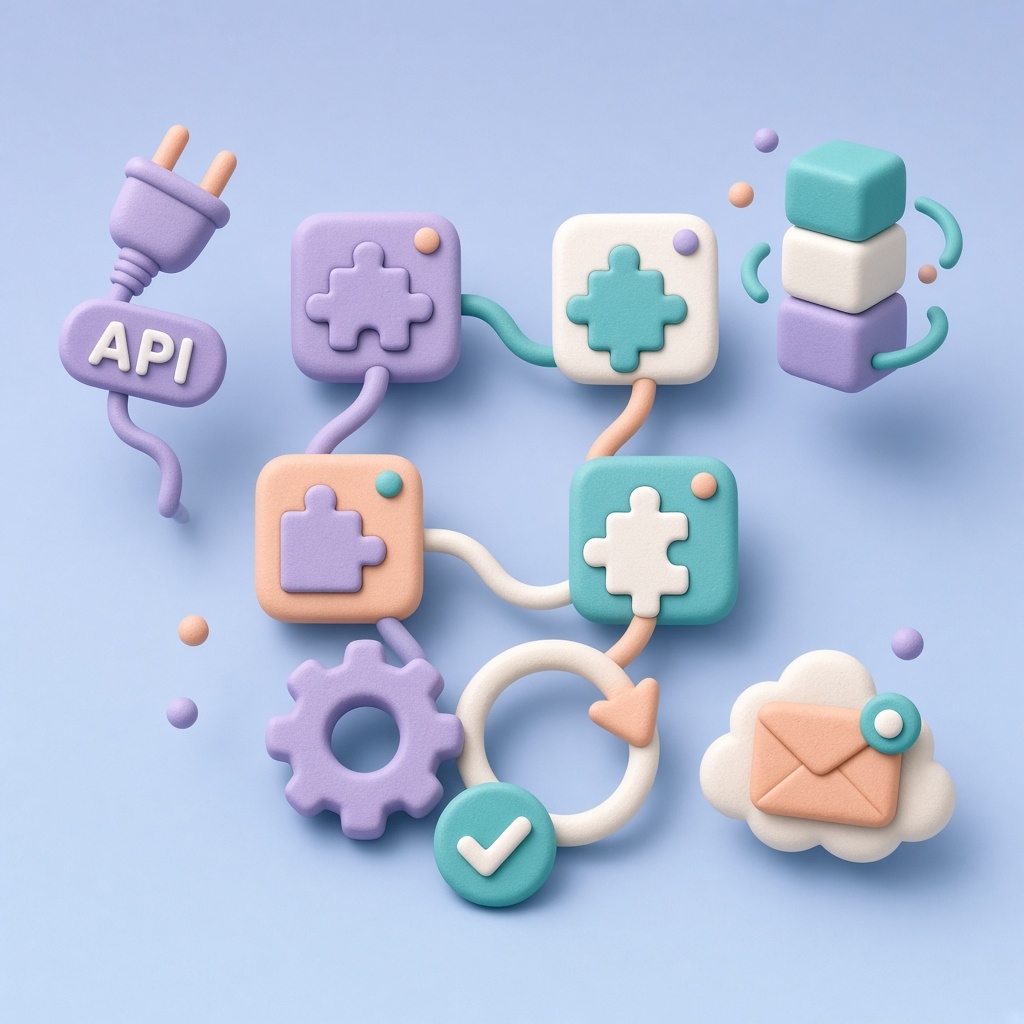
Every process has clear rules, checks and execution tracking.
Order, form, payment or CRM status change.
Checks for data, duplicates and permissions.
Mapping into the next system’s shape.
Create, update, email, invoice, task.
Logs, alerts and a path to retry.
Scenarios
We start with the process that has the most manual work and risk.
From the online store into warehouse/ERP and accounting without manual transfer.
Result: faster fulfillmentEnquiries enter CRM cleanly with a task, tag and team reminder.
Result: fewer lost leadsAfter a successful payment we activate access, send email and update status.
Result: faster activation after paymentTwo-way sync across CRM, helpdesk, marketing and internal panels.
Result: consistent data across systemsWe work with popular platforms and your internal APIs.
Process
Clear stages, tests and docs - automation must stay maintainable.
We describe steps, people, systems and where the process breaks.
Rules, edge cases, permissions and failure behavior.
Integrations, webhooks, queues and monitoring.
Launch, training and improvements from real data.
We connect your systems and cut manual work as much as possible - CRM, ERP, stores, payments, warehouses and internal tools in one connected workflow.
Describe the systems and steps - we will return a realistic automation plan.
Discuss your needsBoth. Simple flows can use no-code; critical or complex processes get custom integrations.
Usually yes - via API, file exchange or a middle layer after a short technical review.
With validations, idempotent operations, logs and retries for temporary failures.
From a few days for a focused flow to several weeks with many systems and rules.