
App development
How to take back control of your app when it sits in the developer's account
Your app is published in your developer's or agency's account and you have no access to it. How to work out which situation you are in, how the official App Store and Google Play transfer works, and what to do if the developer does not respond.
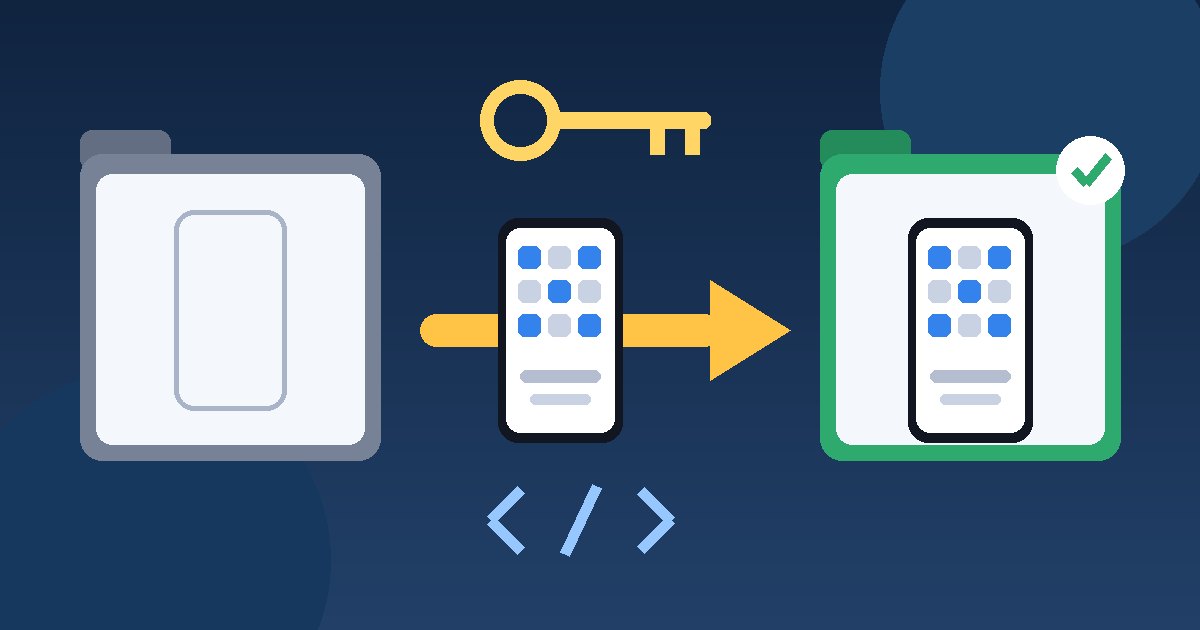
If your mobile app is published in your developer's or agency's account, the official route is to transfer it into an account owned by your company. Apple and Google both have a procedure for this. The app stays in the store, keeps its ratings and reviews, and users keep receiving updates. The transfer, however, always starts with the current account owner. That is why it is easiest while the developer is still cooperating. Once they stop responding, there are fewer options and they take longer.
Why this problem happens
When an app is commissioned, nobody often discusses whose account it will be published in. Using their own account is quicker for the developer, and for the client it looks like a technical detail. The problem shows up later: when you part ways with the supplier, when the agency closes, when the former employee whose personal email holds the account leaves, or when an urgent update is needed. Public forums run by Apple, Google and Reddit describe exactly such cases, including an agency that cancelled its developer programme membership, after which the client's apps disappeared from the App Store.
The store is only one part. Without the source code, the signing keys and access to the server and cloud services, even a transferred app cannot be updated by another team.
First work out which situation you are in
Open the app's page in the App Store and look at the seller. Under Apple's enrolment rules it shows the organisation's name, or the person's name for an individual account. In Google Play, check whether anyone on your team has access to Play Console and with what role. There are three situations, each with a different fix.
| Situation | What it means | Fix |
|---|---|---|
| The account belongs to your company, but the developer's person holds the top role | The app is yours, but you do not control the account | Transfer the role. At Apple, the Account Holder of an organisation can hand it to an employee with authority to sign for the company. In Google Play, the owner selects another user and clicks Make account owner. |
| The app is in the developer's organisation account | The app sits in someone else's account | Transfer the app itself into your account |
| The app is in a developer's personal account | The app sits in one person's account | Also an app transfer. At Apple, the role on an individual account moves only in exceptional cases and with Apple's help, so do not count on it. |
Changing the owner in Google Play comes with a mandatory 7-day hold, during which any user on the account can cancel the request. A user who already owns another Play Console account with the same Google Account cannot become the owner.
Set up your own accounts
Neither Apple nor Google can transfer an app to an account that does not exist or has not finished registration. So start here:
- Apple Developer Program as an organisation. The company must be a legal entity that can enter into contracts with Apple and must have a D-U-N-S Number. Verification takes time, and an account that is pending or changing cannot receive a transfer.
- Your company's Google Play Console. Registration must be complete, and paid apps or apps with in-app products need an active payments profile.
- Company email addresses. Register the accounts with a shared company address, not an employee's personal email. Turn on two-factor authentication and add developers as users with the access they need.
More on choosing between a personal and a company account is in the article on what to prepare before launching an app in the App Store and Google Play.
How an App Store app transfer works
- Check the criteria. Under Apple's criteria the app must have at least one version released in the App Store. It cannot be on pre-order, waiting for review, in review or waiting for release. Both accounts must have accepted the latest agreements. In-app purchase product IDs cannot match any in your account.
- Ask for a backup. After the transfer the app disappears from the developer's account. That is why Apple recommends saving the metadata, pricing, and sales and download data beforehand. Ask the developer to give you a copy.
- The developer starts the transfer. The Account Holder of their account opens App Information, chooses Transfer App and enters your Account Holder's Apple Account and your Team ID. The request is valid for 60 days.
- You accept. Your Account Holder accepts the request in the Business section of App Store Connect and fills in the support URL, privacy policy and contact details. Processing takes up to two business days.
- Technical follow-up. After the transfer you need to create new provisioning profiles in your account. The Bundle ID stays the same, so users keep receiving updates.
The details are in the overview, the steps to initiate and the steps to accept in App Store Connect Help.
How a Google Play app transfer works
- Both accounts must be active. According to Play Console Help it must be possible to sign in to the original account, and the apps and the account must comply with Google Play policies.
- Find the transaction IDs. You need the registration transaction IDs of both accounts. Look in the emails about the registration fee or in Google Payments. If the account was registered years ago, this is often the slowest step.
- Download the reports. Users, statistics, ratings and reviews move with the app, but earnings reports and bulk exports do not. Orders from before the transfer stay in the old account, and test groups have to be recreated.
- Relink connected services. Firebase projects are unlinked from the old account and linked to the new one. Your account is added as an owner of the Google Cloud projects and given access in Google Analytics. Ad SDKs such as AdMob are updated after the transfer.
- Request and approval. The developer submits the request, you approve it, and Google support responds within two business days.
If you do not trust that the developer will stop using the old upload key, you can request a new upload key after the transfer. If needed, you can also request an app signing key upgrade for new installs.
Do not accept the account password instead of a transfer. Google announced that from 27 May 2026 account owner changes must go through the official feature only, and sharing login credentials is not allowed. Source: the Android Developers Blog.
What else to ask for besides the app in the store
- The source code in a repository your company owns, with the full change history.
- Instructions for building the app and releasing a new version.
- The Android upload key or keystore and its passwords, handed over through a secure channel.
- Access to the server, database and hosting if the app has a backend.
- Ownership of Firebase, Google Cloud and other cloud projects, plus the keys for push notifications.
- Access to third-party services: payments, maps, sign-in with Google or Apple, analytics. Some of them recognise the app by the signing key fingerprint, so check those registrations after any key change.
- The domain and email addresses the app uses, for example for the privacy policy and support.
If the developer does not respond
Both procedures need action from the current owner. Apple requires the transfer to be started by their Account Holder, and Google requires that the original account can be signed in to. The help pages describe no self-service route without them. So:
- Gather evidence that the app is yours: contract, invoices, acceptance records, correspondence, trademark and content.
- Contact Apple Developer Support and Google Play support and describe the situation. The outcome and timing are not guaranteed.
- Ask a lawyer about your rights to the code and the supplier's obligations under the contract.
- If a transfer is not possible, the remaining option is a new app in your account. On Android, an app with a different application ID is treated as a completely different app. Users have to install it again, and ratings and reviews do not carry over.
- If you do not have the source code either, consider whether rebuilding the app makes more sense than recovering the old one.
Common mistakes
- Treating the password to someone else's account as a solution. The account stays registered to the other person or company.
- Leaving account ownership on an employee's personal email.
- Starting the Apple transfer while a version is in review or pending release.
- Forgetting the sales reports, which do not transfer.
- Transferring the app but not Firebase and the cloud projects. Notifications or sign-in can then stop working.
- Receiving the code without build instructions and without the signing keys.
How to prevent it in the contract
The cheapest fix is to avoid the problem. Before the project starts, write into the contract who owns the store accounts, the source code, the domain and the cloud services, and how the handover works if you part ways. Register the accounts in the company's name and let the supplier work in them as a user. The article on what to put in a brief before asking for a quote lists more questions to ask.
A hypothetical example
A delivery company has an ordering app built three years ago. It is published in the agency's account, and the company now wants to change supplier. First, the company registers its own Apple and Google accounts and waits for approval. Then it sends the agency a written list: transfer of the apps, the code repository, the keystore and passwords, ownership of Firebase and the server, and an archive of the reports. The new team makes a test build from the handed-over code before treating the handover as complete.
Next step
Check three things today: whose name appears as the seller in the App Store, who owns the Play Console account, and whether you have the source code in your own repository. If any answer is "the developer", ask for a transfer while you are still on good terms. hostado can help with a technical audit of the handed-over app and with app support and upgrades after the transfer. If you are about to commission an app, discuss ownership in the very first quote for mobile app development.